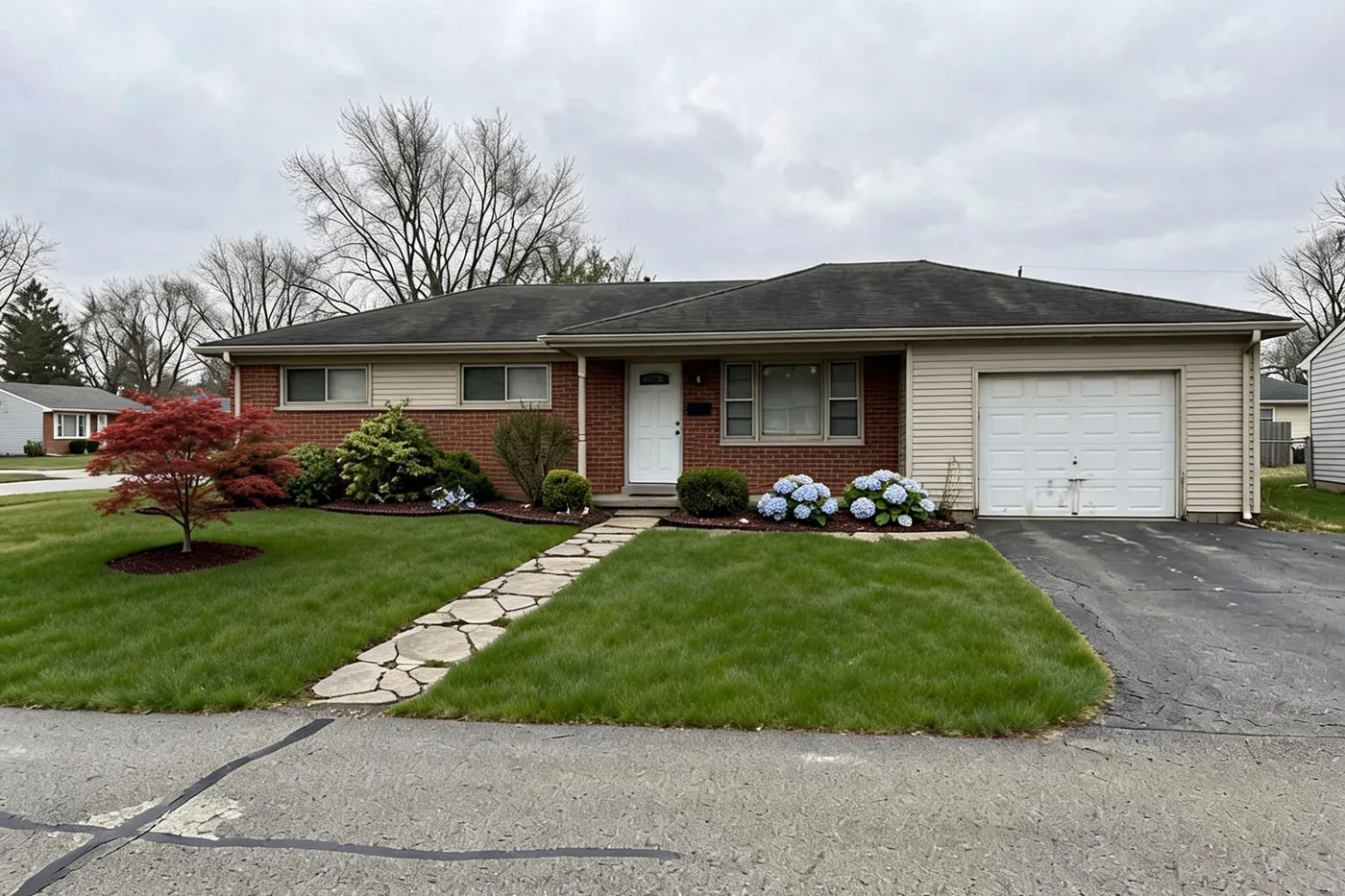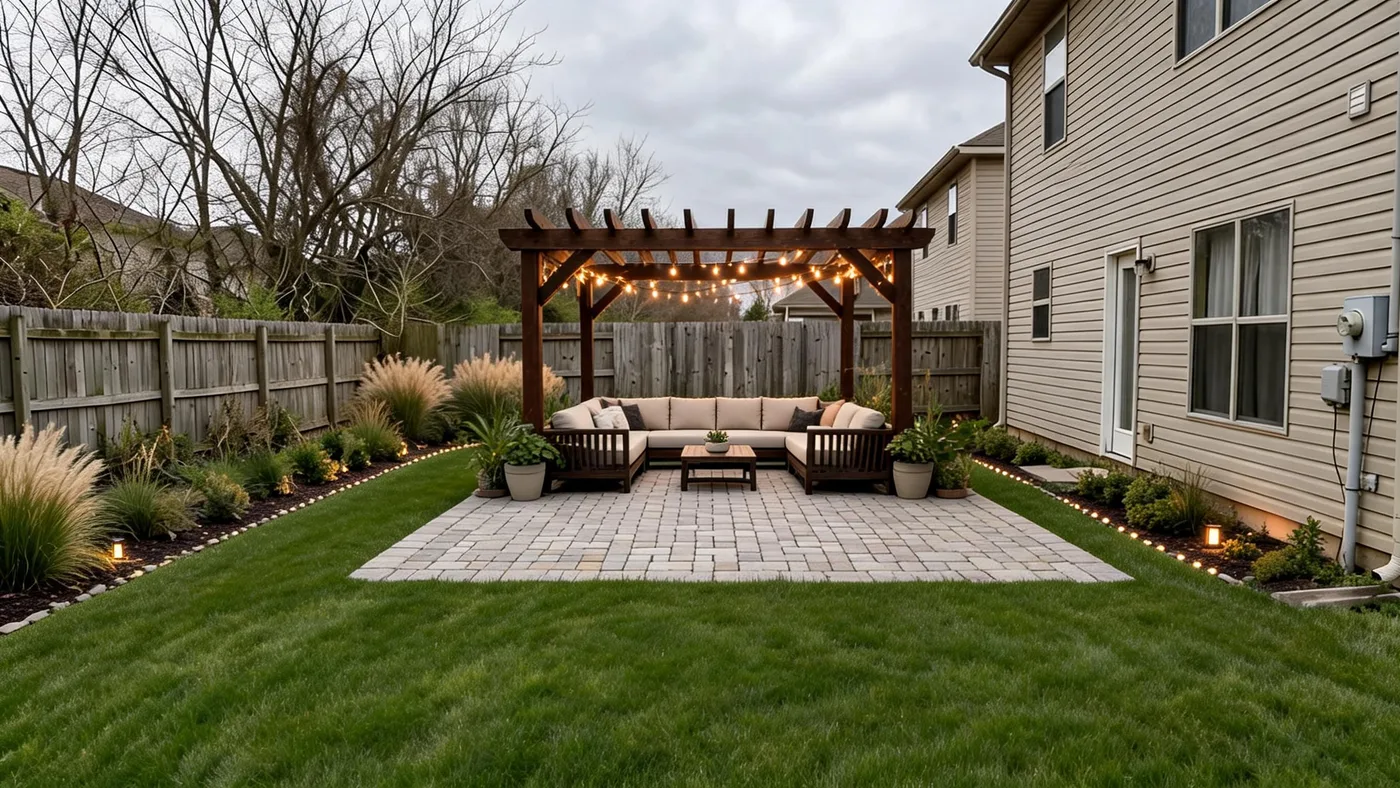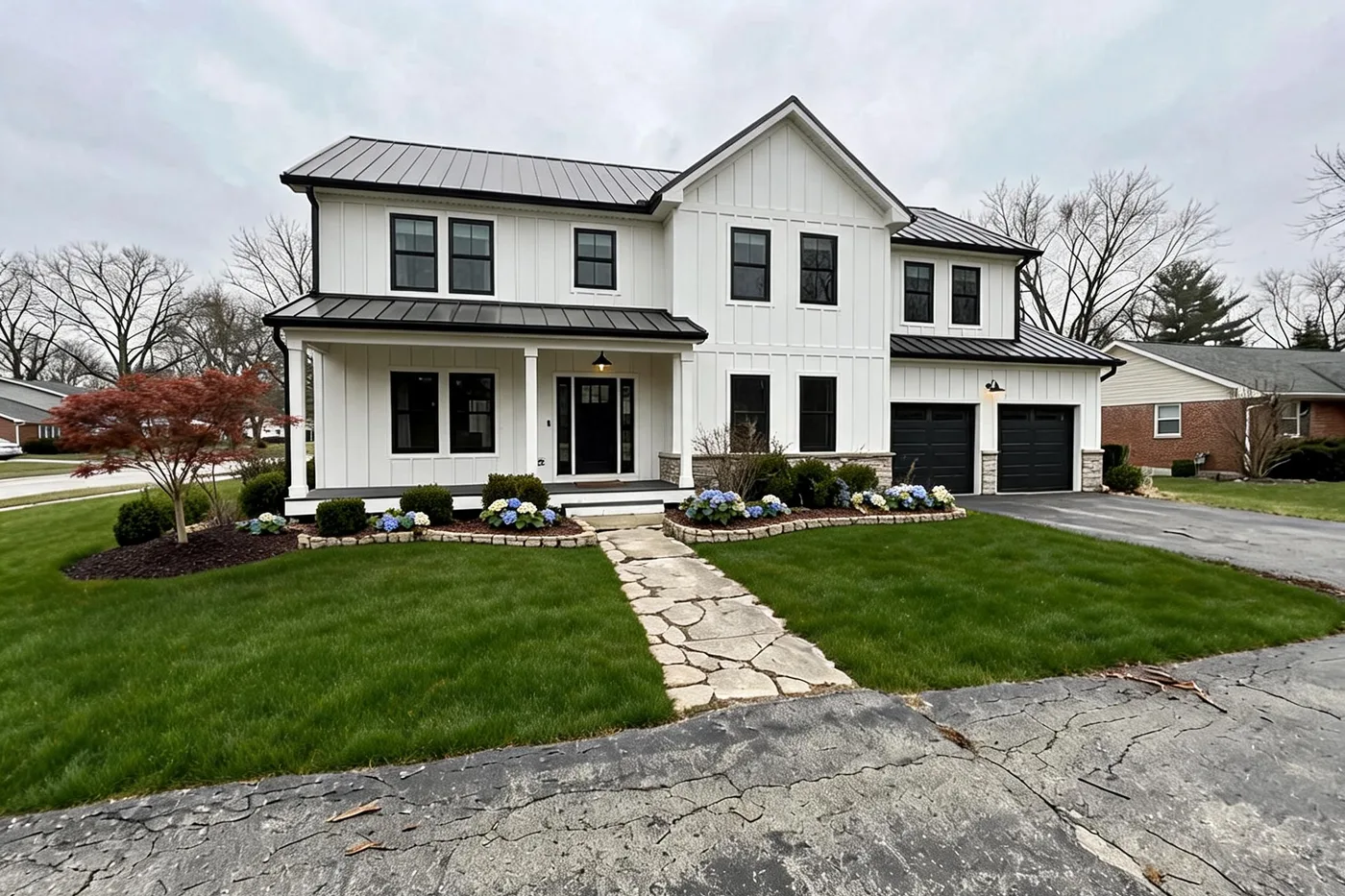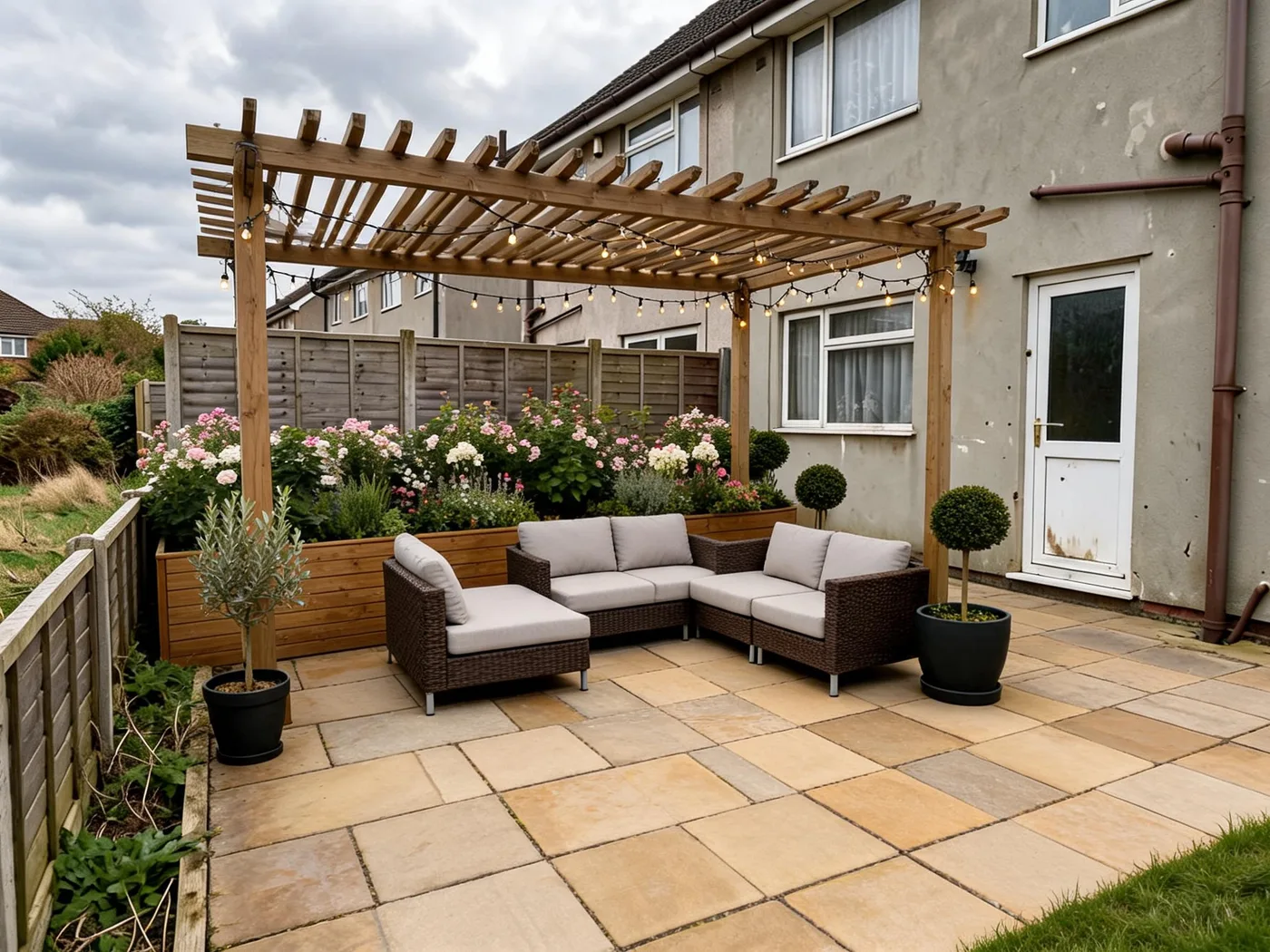
Most ways to redesign a yard ask you to learn something first — CAD-style landscape design software with a real learning curve, or a designer's process that starts with an invoice before you've seen anything. An AI landscape design app skips both: upload a photo of your yard, pick a style, and get a planting plan for it. A limited free Beta allowance is available, with nothing to install.
How it compares to your other options
"Landscape design software," "landscape design app," and "hiring a designer" get searched together, but they solve different problems. Here's the honest breakdown:
| AI landscape design app | Landscape design software | Hiring a designer | |
|---|---|---|---|
| Cost to try | Limited free Beta allowance | Often $50–$300+ per license | $300–$6,000+ for a plan alone |
| Design skill required | None — upload, pick a style, answer a short brief | Real learning curve (CAD-style drafting) | None — you're paying for theirs |
| Best for | Seeing a planting plan for your yard before spending | Precise technical drawings, measurements | Complex yards, permits, contractor-ready plans |
| Works from your existing yard | Told to keep what you mark as must-stay — not a guarantee | You draft it yourself | Yes, they're working from your site |
If you want a free way to see what a plan for your yard could look like before committing to either of the other two, this is the shortest path. A full breakdown of what landscape design actually costs covers the software and designer side in more detail.
What "free" actually gets you
- A free public Beta allowance — with a free account (an email link or Google). No card required.
- A limited allowance per new account — 6 units: a plan or a refinement of one area uses 1, a Visual Concept uses 2.
- Earlier paid products are closed to new orders. If you already subscribe, your plan continues and you can manage it from your account. Earlier accounts with a larger free allowance keep the grant already on their account.
The Beta allowance is enough to answer the question that matters first: what would a plan for your actual yard look like?
How it works
- Upload a photo of your front yard, backyard, patio or side yard — or start from a sample yard.
- Pick a look and answer a short brief — what must stay, what can change (the lawn, existing planting or both), and optionally your location, sun and soil moisture.
- Get a planting plan — named areas, what changes in each, and a plant palette matched to your location and climate when you give one. Optionally, add a Visual Concept: an AI illustration of the plan on your photo.
- Make it yours — choose plants, refine one area at a time (each refinement is saved as a new version), and share a read-only link to your yard brief.
Why this isn't just a generic AI image generator
Point a general-purpose AI image generator at a photo of your house and it will happily invent a different one — different windows, a different roofline, sometimes a different house entirely. That's fine for a mood board; it's not useful if you're trying to picture your actual yard. This tool starts from a plan instead: you mark what must stay, the AI Designer is told to keep it, and any illustration is drawn from that plan. That is an instruction to the AI, not a guarantee — but it is the part that actually matters if the plan is to build what you see.
Try it free
Upload one photo and get a planting plan for your own yard — free during the public Beta with a free account: no download, no design software to learn, no card.
Curious whether AI landscape design apps are actually worth it? Read the honest breakdown, or jump straight into backyard or front-yard ideas you can preview on your own home first.